
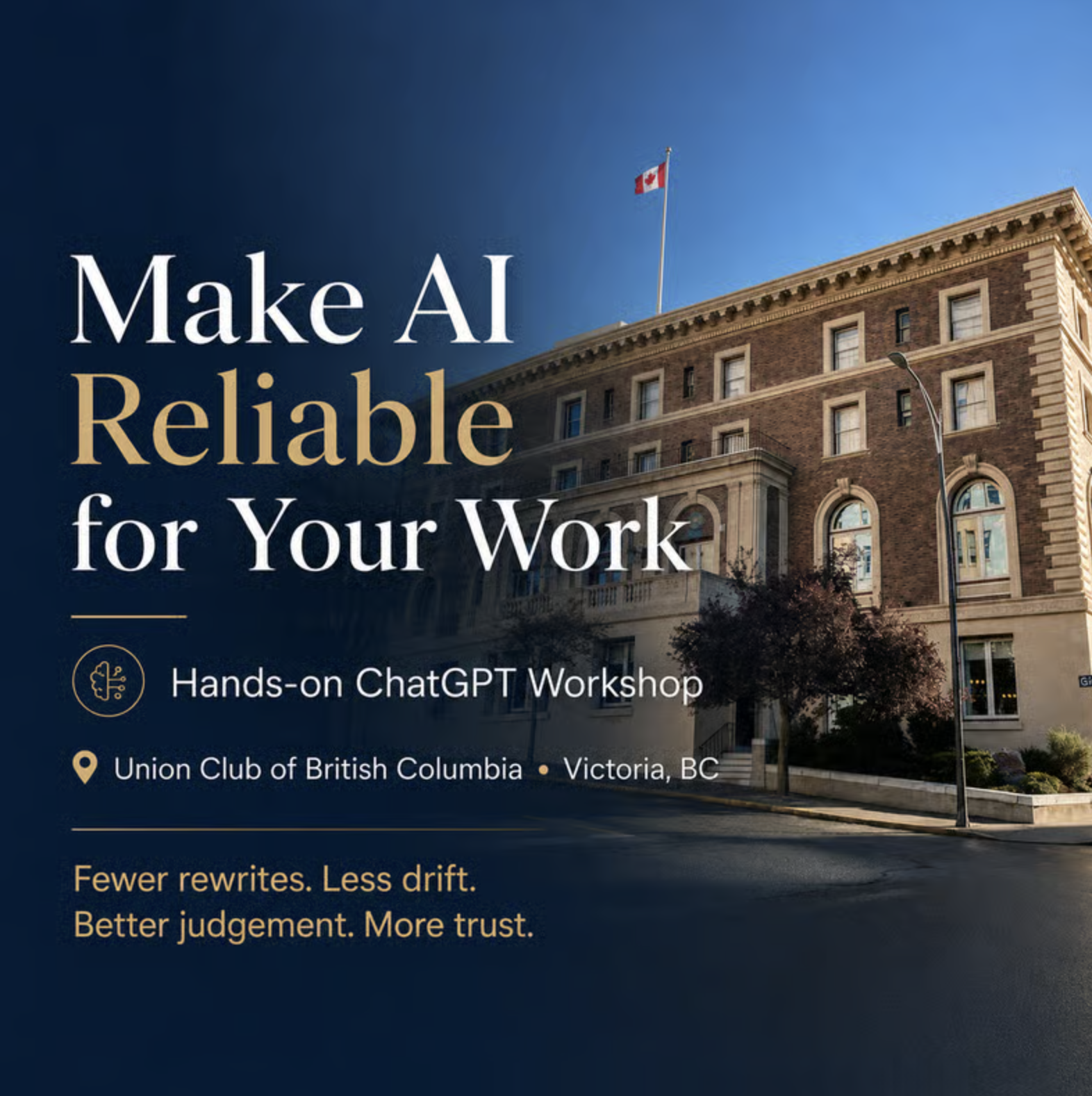
Make ChatGPT reliable for your work — fewer rewrites, less drift, more trust.
Description
TL;DR: You’ll leave with ChatGPT personalised around your goals, work, and preferences—and know how to give it better context, improve its answers, and judge what’s useful. You’ll leave with: Workshop = your personal setup and guided practice.Follow-up = help putting it to use. Small group (max 8) so you get real hands-on support — not a webinar. Plus one 30-minute post-workshop call to review your setup and help you apply what you’ve learned. You don’t need more AI tricks. You need a setup that reduces guesswork — so you can move faster without rewriting everything. If you’ve tried ChatGPT and found the results inconsistent, you’re not alone. Among capable, busy professionals and small teams, this is common. The issue isn’t effort — it’s that the system isn’t set up yet. What this is (and isn’t) This is not a lunch-and-learn, a lecture, or a passive walkthrough. It’s a hands-on working session where you actively set up ChatGPT for the real work you do — with guidance, iteration, and live adjustment throughout.This is a practical, tailored setup that makes ChatGPT usable for the work you actually do — the outputs you need, in the formats, tone, and level of precision that help you move faster so you’re not fighting the tool or rewriting everything it produces. Mechanism (why this works): You’re not learning clever prompts. You’re learning what makes prompts work — so you can create them yourself, adapt them on the fly, and know why something succeeds or fails. You’re building a personalised foundation for ChatGPT — clear purpose, constraints, and clean context habits — to reduce guesswork and get more useful outputs. You’ll also learn to spot assumptions, question answers, and improve the result. What you’ll learn (practical, plain language): You’ll know it’s working if… You’ll leave with a baseline that improves output quality immediately — and reduces the revision loop that quietly costs you time. You’ll know it worked when: Most people notice the quality lift first. The time savings follow because you’re no longer re-doing the same work. The moment it clicks (you’ll do this live) After we set up your personalisation (including a short MyPurposeGPT exercise), you’ll open a brand-new chat and ask: “What do you know about me, and how do I intend to use ChatGPT?” If the answer is vague, that explains the “meh,” the drift, and the endless rewrites.If the answer is accurate and specific, you now have what most people don’t: a setup tailored to your style, preferences, and goals. What you’ll use this for (examples) This is built for the work that quietly eats your day: If your work involves nuance (client work, writing, advising, decision-making), this is exactly where reliability matters most. Why most attempts fail (plain language) Most people don’t have a prompt problem. They have a context problem. If it’s felt like you’re doing extra work to “manage” the tool, you’re not imagining it — most people are using ChatGPT without stable context, so it has to guess. Neither of these are obvious, and it isn’t widely explained. It’s not your imagination — the tool should behave more consistently once context is set correctly. The frustration isn’t your fault. Fix those two things and the same prompts suddenly work better — because you’re no longer fighting the system. Who this is for This workshop is for individuals and small teams who need to stay agile — where people often wear multiple hats and don’t have the luxury of over-specialization. It’s well suited to: Especially useful if you: If you or your team regularly switch contexts — strategy one moment, execution the next — this setup helps ChatGPT support that reality instead of fighting it. This workshop establishes the baseline. More advanced workflows and team-specific systems build on this foundation later. Fit filter (so expectations are clean) This is not for people looking for AI hacks, viral tricks, or a giant prompt library. It is for people and businesses who want a reliable foundation — something that makes AI calmer, more predictable, and genuinely useful across many kinds of work. Led by Darragh Grove-White Darragh Grove-White runs this as a practical setup workshop for professionals who care about clarity and quality — and who want to get more value back from the hours they’re already spending on writing and thinking work, so you waste less time revising — and buy back hours every week. The aim isn’t to use AI more. It’s to spend less time revising, repeating yourself, and cleaning up confident nonsense — so you get more time back for higher-value work. What we’ll do together (hands-on) You will: We’ll also cover a few simple privacy and security habits so you can use AI sensibly in real business contexts. This is designed to be practical in the room — not homework for later. Your 30-minute follow-up call Once you’ve had a chance to use your setup, we’ll meet one-on-one to review how it’s working for you. In your 30-minute post-workshop call, we’ll review your setup, troubleshoot one problem, choose a useful application, and agree on a practical next step. Workshop = your personal setup and guided practice.Follow-up = help putting it to use. What people say — Jamie Fitzel, Lawyer and business owner, Step By Step Law Corporation — Fred Haynes, PhD, former Saanich mayor and business owner What’s included Small group by design — seats are limited so everyone gets hands-on support. Location + pricing The Union Club of British Columbia 805 Gordon Street, VictoriaCA$347 + GST Registration requires approval. If you’re tired of confident nonsense, revision spirals, and advice that’s mostly hype, this gives you a personalised setup, practical ways to get better results, and a follow-up call to help you put it to work. Ready to join? Request to join if you want ChatGPT to feel calmer, more accurate, and far less work to manage. If you’re not sure it’s the right fit, reach out to Darragh Grove-White and he’ll quickly tell you whether this workshop matches your work and expectations.
Event location
Let your network know you`re going
Share this event to start conversations, invite colleagues, and connect before it begins.
Related events

Steering, Not Prompting: How to Think About Coding with AI Agents

vLLM Meetup Toronto

Win More Bids, Chase Less Content: How AEC Teams Are Transforming Their Proposal Process
How VC and CVC teams are using AI
🩷 Lovable Montreal Community - The Lovable Launch & Creator Workshop
Revolutionary Lab: Human-Centered AI Adaptation Keyshop

Rerun Community Event ROSCon
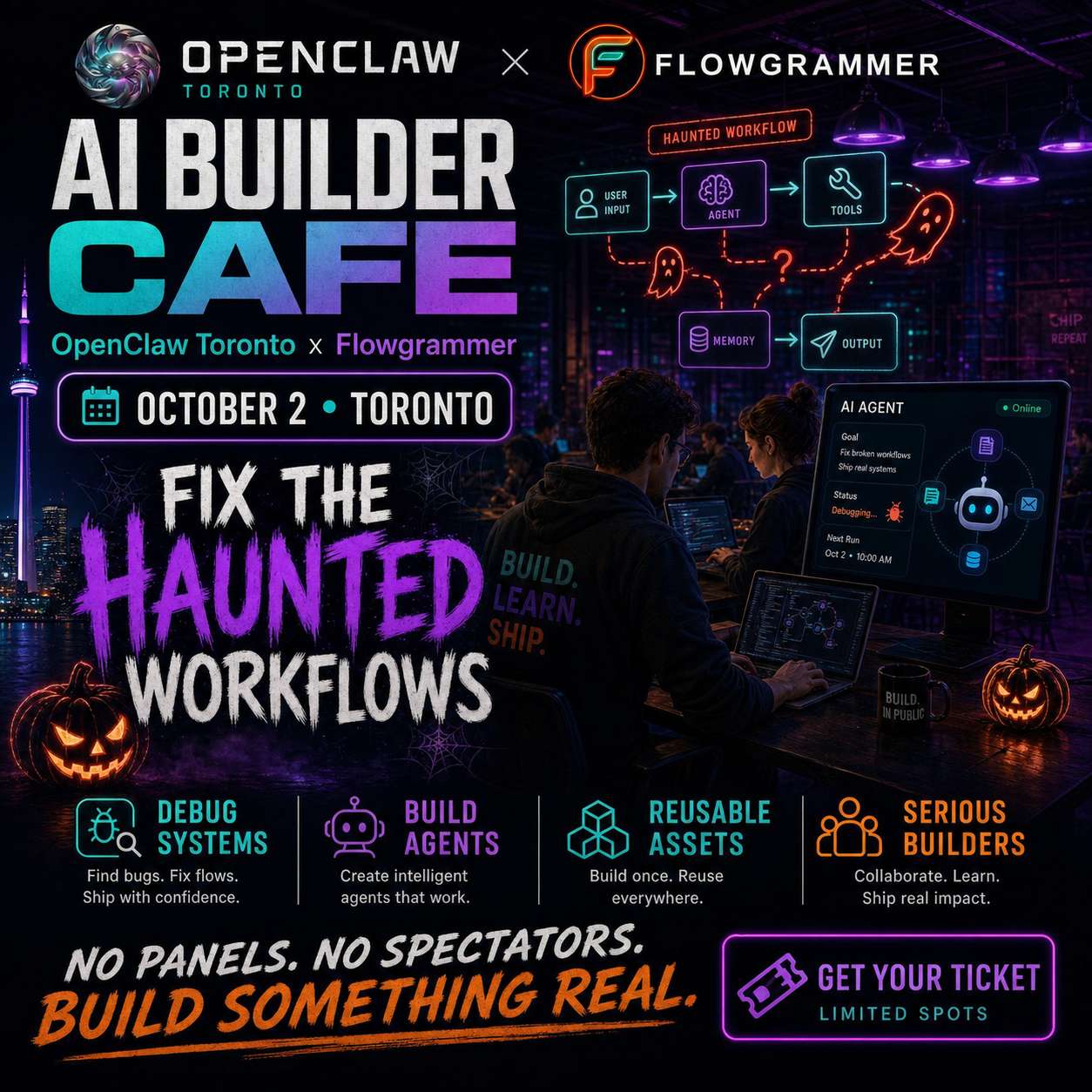
AI Builder Cafe - Build Something Scary

ROK Software - Physical AI, Roundtable Discussion

Ghana Artificial Intelligence (AI) Summit & Awards Night

Toronto Merchants' Offline Event is Here|Let's Talk About Customer Acquisition, AI, and Private Domains
