

Guerrilla AI for Excel
Description
You do not need a Copilot license, a new software budget, or a six-month AI rollout to start working more effectively with AI in Excel. A surprising amount of the groundwork is already sitting on your machine. Guerrilla AI for Excel is a free five-day live series built around one idea: learn to be crafty with the tools you already have. Each day is a focused 20-minute session built around one practical win you can use the same afternoon. We will look at the machine learning features Excel has quietly had for years, the structural habits that make AI work better, the automation tools that reduce cleanup work, and the free tools that can help close the gap when you do not have paid Copilot. The emphasis throughout is practical. One demo per day, no giant AI transformation plan required. What We’ll Cover Across five short sessions, you will see how Excel users can work more like AI-powered analysts using tools that may already be available to them. Day 1: The AI already hiding in your ExcelSee how Flash Fill, Analyze Data, and Recommended PivotTables already use pattern recognition and machine learning to help you work faster. Day 2: Make your data AI-readableTurn raw ranges into proper Excel tables, use structured references, and make your workbook easier for both people and AI tools to interpret. Day 3: Clean data so AI doesn’t lie to youUse Power Query to build repeatable, refreshable cleanup steps and stop doing the same data preparation by hand every month. Day 4: A data science lab behind =PY()Use Python in Excel with pandas and visualization tools to extend what you can do inside the workbook, with help from free chatbots when you need code. Day 5: Markdown, the language AI speaksLearn a small amount of Markdown syntax that makes prompts clearer, chatbot output easier to reuse, and data easier to move between Excel and AI tools. What This Series Is ✔ Five live 20-minute sessions✔ One focused demo each day✔ Practical Excel and AI techniques you can use immediately✔ Built for people who may not have paid Copilot✔ Focused on finance, FP&A, operations, reporting, and everyday analytical work✔ Example files included for registrants The recordings will be added afterward to the membership. What This Series Is Not ✖ A five-day coding bootcamp✖ A sales pitch for buying more software✖ A generic tour of AI features✖ A promise that every Excel problem needs AI✖ A deep technical certification course The whole point is to get better at recognizing what you can already do, which tool belongs where, and when AI actually adds something useful. Who This Is Designed For This series is for professionals who already use Excel regularly and want to understand how AI fits into the work they are already doing. It may be especially useful if you have ever: • Wondered what you can do without a paid Copilot license • Spent too much time cleaning exported data • Built workbooks that are hard for other people, or AI tools, to interpret • Wanted to try Python without installing a separate development environment • Used ChatGPT or another chatbot but struggled to get useful output • Heard endless AI hype and wanted something more practical • Suspected that the best solution to your problem might already be sitting inside Excel Typical attendees include financial analysts, FP&A professionals, operations teams, business analysts, reporting teams, Excel power users, and managers responsible for recurring spreadsheet processes. What You’ll Need A recent version of Excel. Most of the series uses features built into Microsoft 365, and two of the days, Analyze Data on Day 1 and Python in Excel on Day 4, require a Microsoft 365 subscription specifically. You will not need Copilot at any point. If you are on an older perpetual version such as Excel 2019 or 2021, you can still follow along with much of the series, though the Microsoft 365-only features will not be available to you. Logistics • Five live online sessions, Monday through Friday • Planned for 12:00 PM Eastern each day • Approximately 20 minutes per session • No cost to attend live • Example files provided to registrants • Recordings added afterward to the membership Because I also do client training and consulting, an occasional session may need to be rescheduled. Registrants will get advance notice of any schedule changes, and every session is recorded. If you have been waiting for your company to buy Copilot before figuring out what AI means for your Excel work, this series should give you plenty to work with in the meantime.
Tools that will be used in events
ChatGPT
Let your network know you`re going
Share this event to start conversations, invite colleagues, and connect before it begins.
Related events

Trusted Agents, Real Outcomes: Driving AI impact at scale with Google's Agentic Data Cloud
NAVIGATE 2027
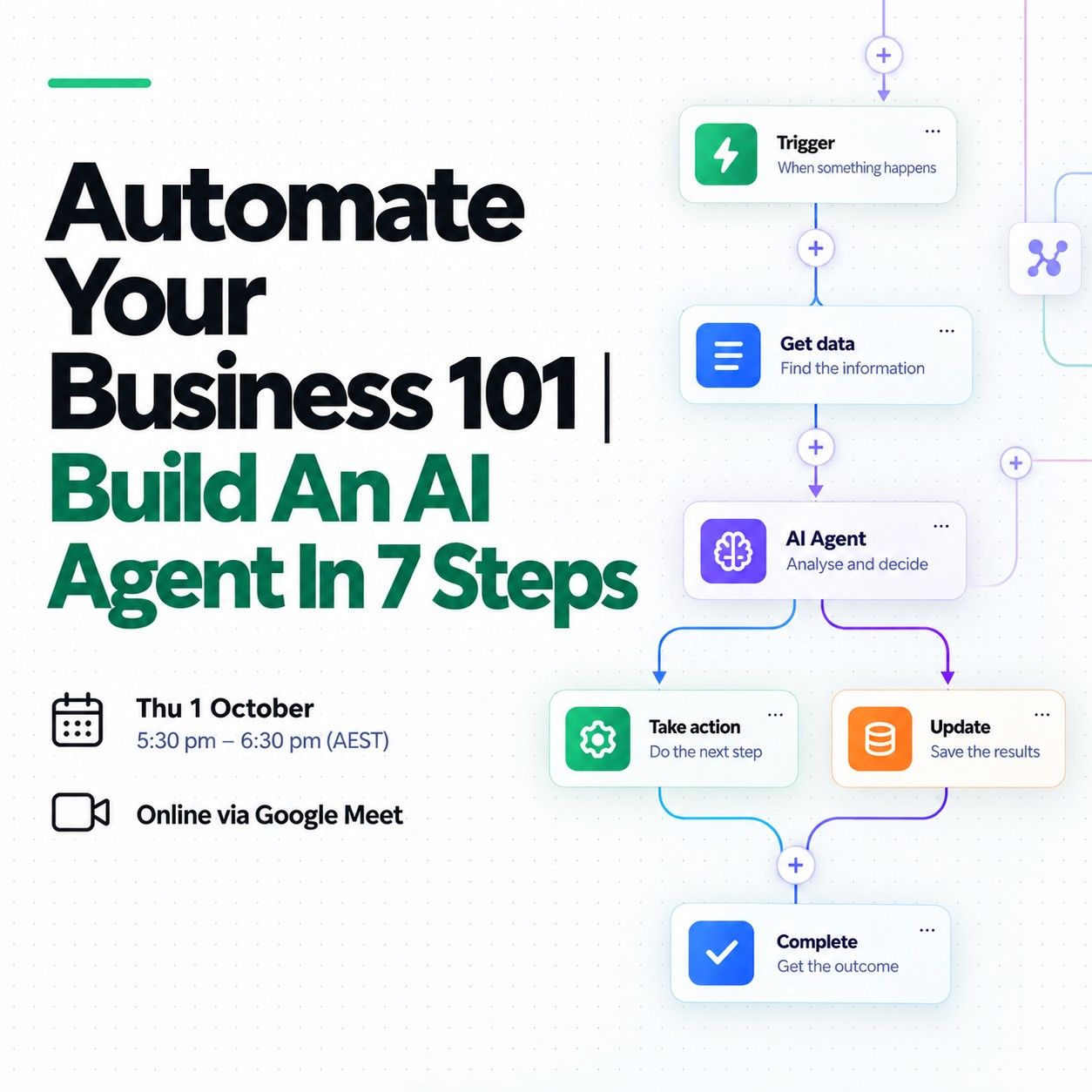
Automate Your Business 101 | Build An AI Agent In 7 Steps

Digital Impact Pitch!: Head, Heart & Hands for a Responsible Digital & AI Future
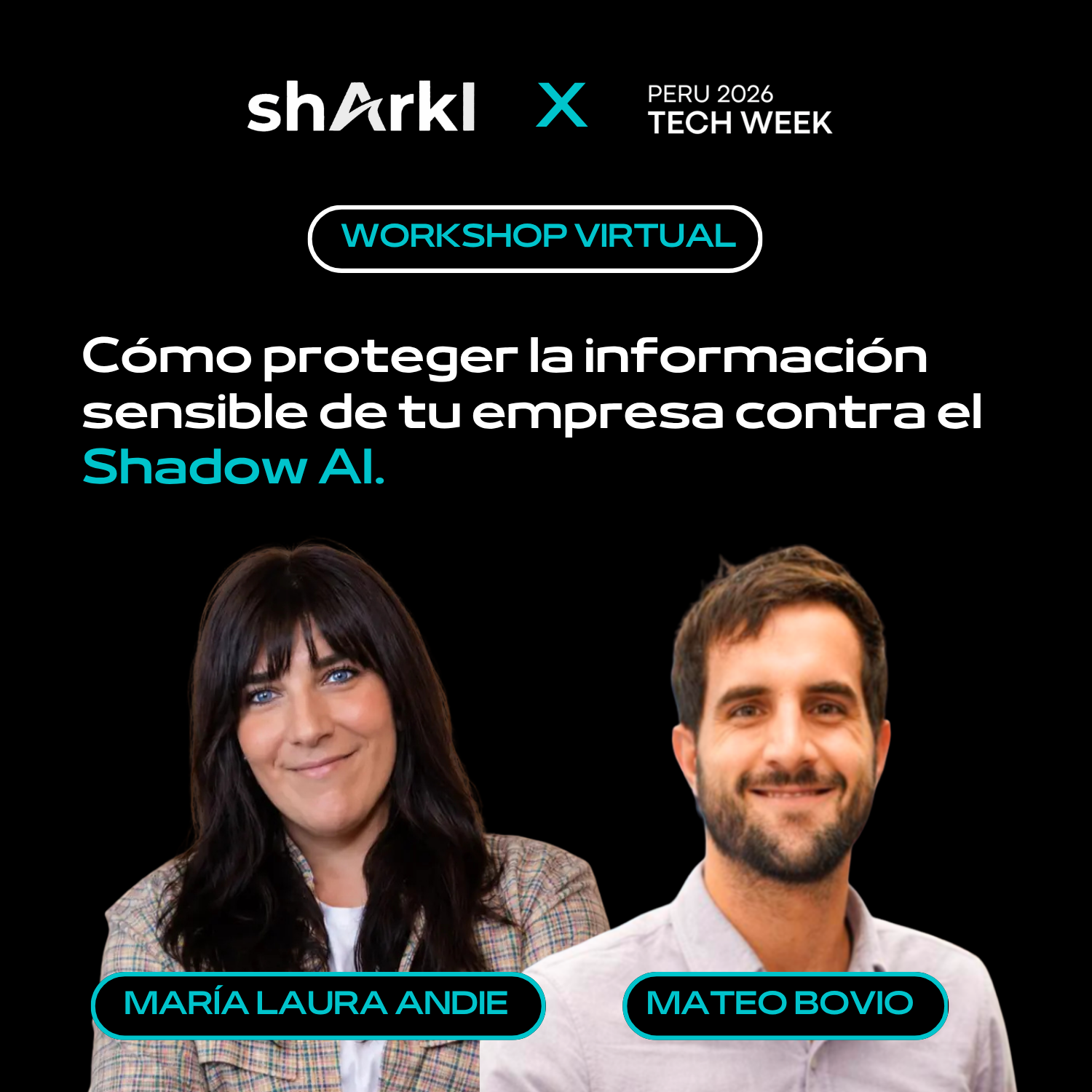
Virtual Workshop: How to Protect Your Company's Sensitive Information Against Shadow AI x ShArkI Cybersec
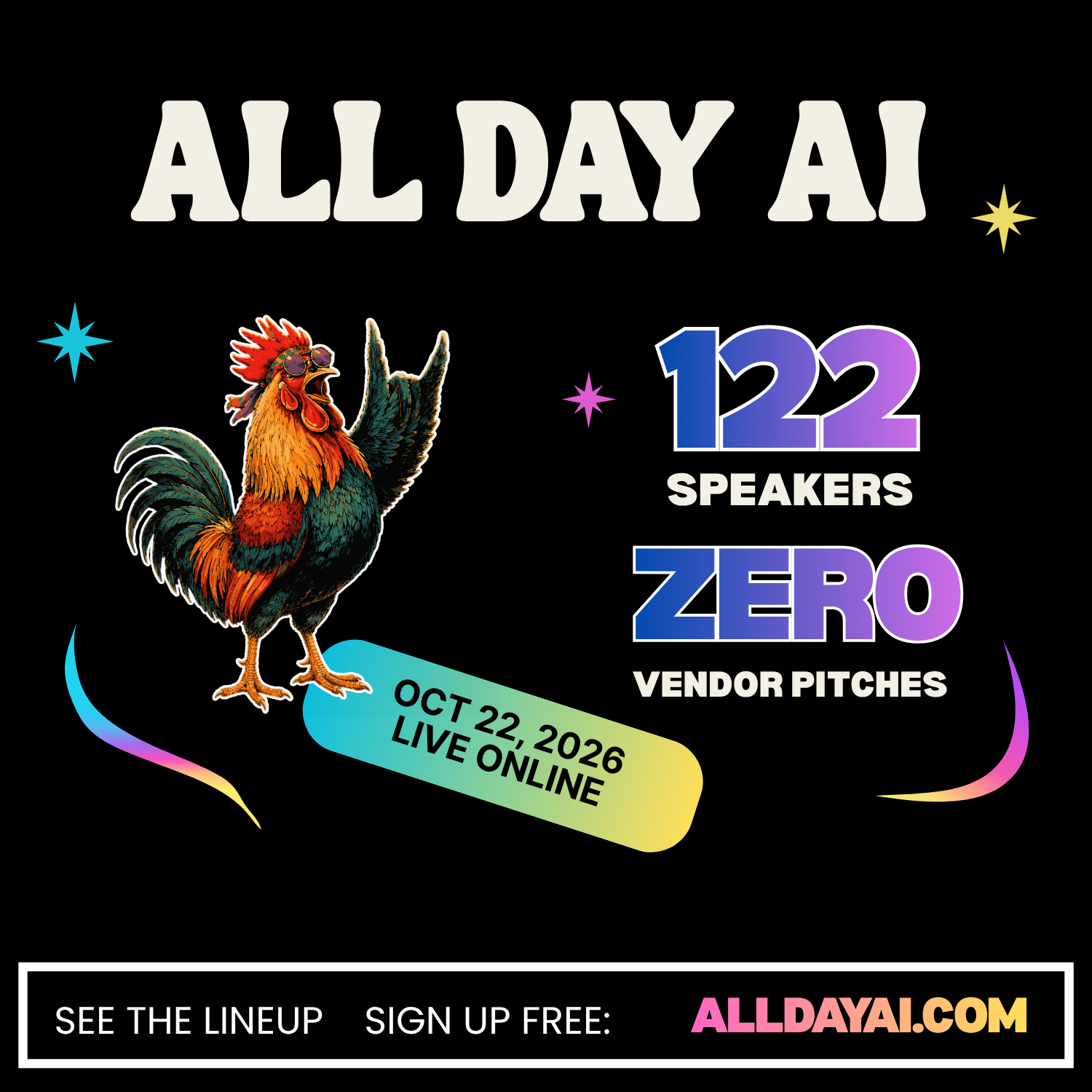
ALL DAY AI 🐔

AI for Interior Designers: Unlocking Luxury & Rapid Realism #2

Workshop - Deploy AI Priorities in Your Organisation Successfully

Free: GenAI & Agentic AI for Solution Architect: Designing Enterprise AI So

How to Leverage AI to Assist with Data Analysis

Introduction to AI and Machine Learning on Google Cloud